Participant experience
Make an online exam work well on mobile
A mobile-friendly exam is more than a page that fits the screen. Participants must be able to read, select, save and review answers comfortably without losing the meaning of the task.
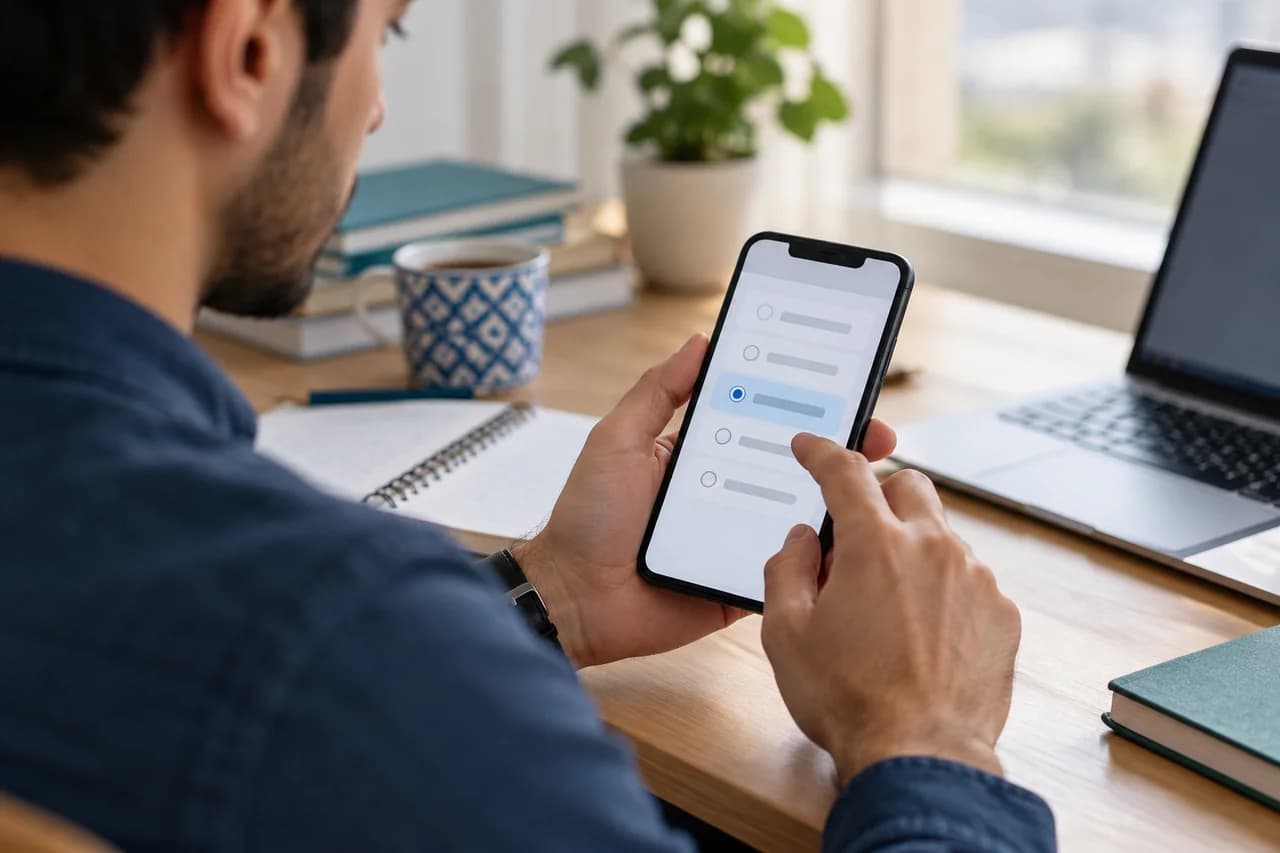
Reduce avoidable reading and navigation
Keep instructions close to the action they describe. Split a long scenario into clearly structured paragraphs and avoid repeating the same background in every option. Do not remove information needed for reasoning merely to make the screen shorter. Check whether a participant can see the full question, identify the selection state and move on without accidentally changing an earlier response.
Treat diagrams and tables as exam content
A diagram that looks clear on a desktop can become unreadable when scaled down. Use sufficient resolution, visible labels and strong contrast. A wide table may need a different layout or a shorter extract. Avoid putting essential instructions only inside an image. Where possible, provide text that conveys the same information and check that zooming does not hide the answer controls.
Plan around connection and time constraints
Ask participants to use a charged device and a reliable connection where possible. Explain saving indicators and the steps to take after an interruption. Autosave requires a successful connection; do not promise that unsent answers are already on the server. Set time limits after a mobile pilot, accounting for reading and interaction as well as the intellectual work.
Rehearse with realistic devices
Run a small test using a narrow screen and a real participant account. Include a long prompt, a formula, an image and the most complex answer type in the rehearsal. Check the start, submission and result screens, not only the first question. Record the browser and symptoms when reporting an issue, while keeping passwords and session tokens out of screenshots.
Before you publish
- Long questions, tables and diagrams were checked on a narrow screen.
- Selected states and navigation controls are easy to identify.
- Saving and interruption instructions are visible before starting.
Questions, answered
- Should phone users get a shorter exam?
- Use the same learning goals. Adjust presentation and timing after a pilot; do not change the standard merely because the device is smaller.
- Does autosave work without a connection?
- Saving to the server needs connectivity. Participants should check the saving state after reconnecting and follow the exam's support instructions if the status is uncertain.